
Emergency paramedics
Paramedic portfolio
Reports, learning sites, practical instruction and admission come together in a guided documentation process.
- NotSan-APrV structure
- Timestamped approvals
- Exportable reports
PlexusBase brings reports, practical evidence, approvals and user management together in one clear workspace for schools, ambulance stations, hospitals and trainees.
plexusbase.app/berichte/neu
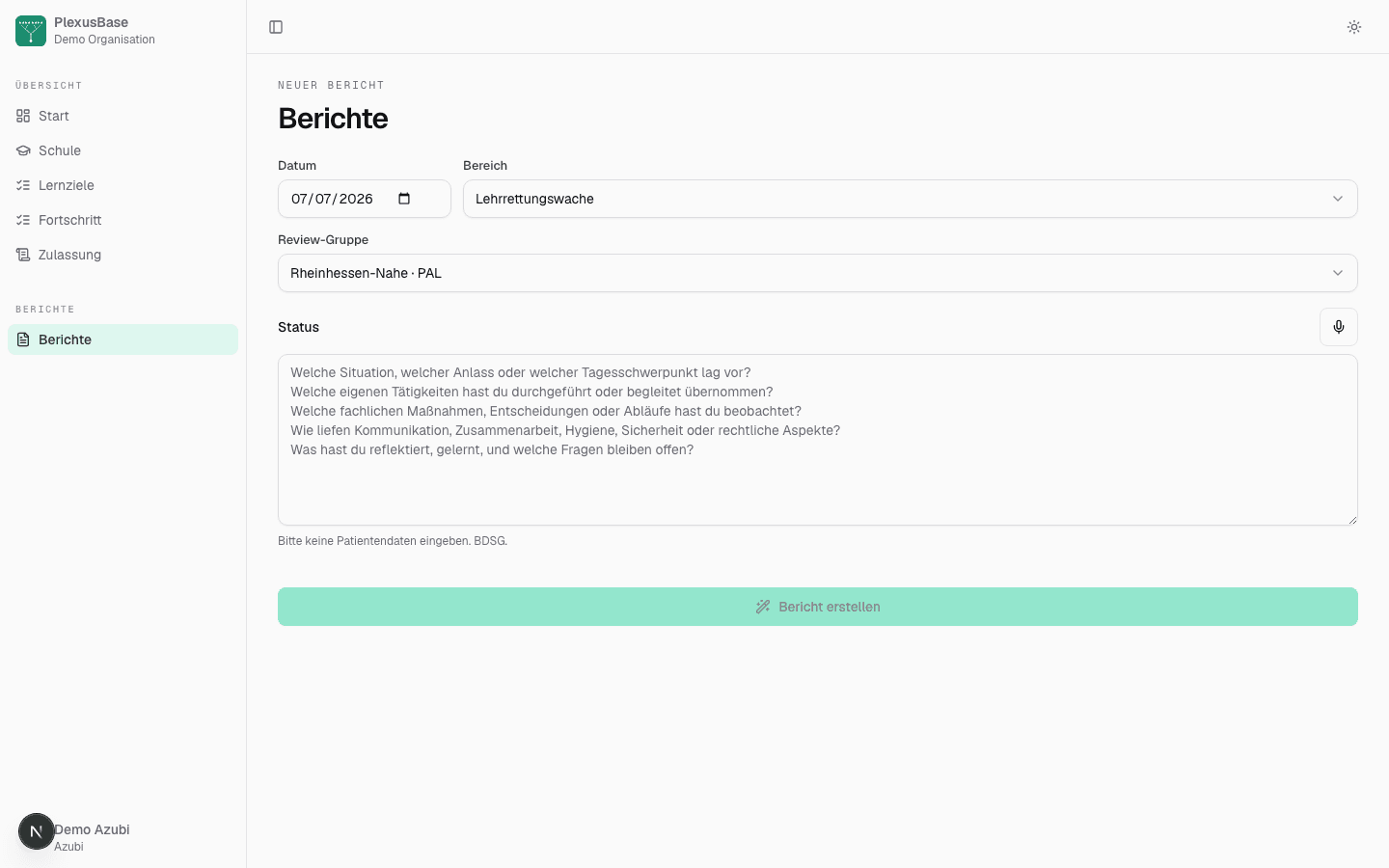
Reports
Record daily reports and practical evidence in a structured way.
Approvals
Practical instructors and administrators review with a traceable history.
Account
Invitations, roles, profile and password in a protected workflow.
Focus on what you use every day: write reports, review evidence, manage users and export progress.
Emergency paramedics
Reports, learning sites, practical instruction and admission come together in a guided documentation process.
Institutions
Schools, ambulance stations and hospitals work with clear groups, roles and review processes.
Login
Access is managed through invitations, individual user accounts and protected app areas.
PlexusBase is deliberately invitation-only: users are invited, roles are clear and data stays in the appropriate organizational context.
Set up the organization, roles, groups and institutions once.
Trainees, practical instructors and administrators start through personal invitation links.
Create reports during the working day on desktop or mobile.
Approvals, corrections and exports remain traceable.
These screenshots come directly from the app: create reports, manage users and review approvals.
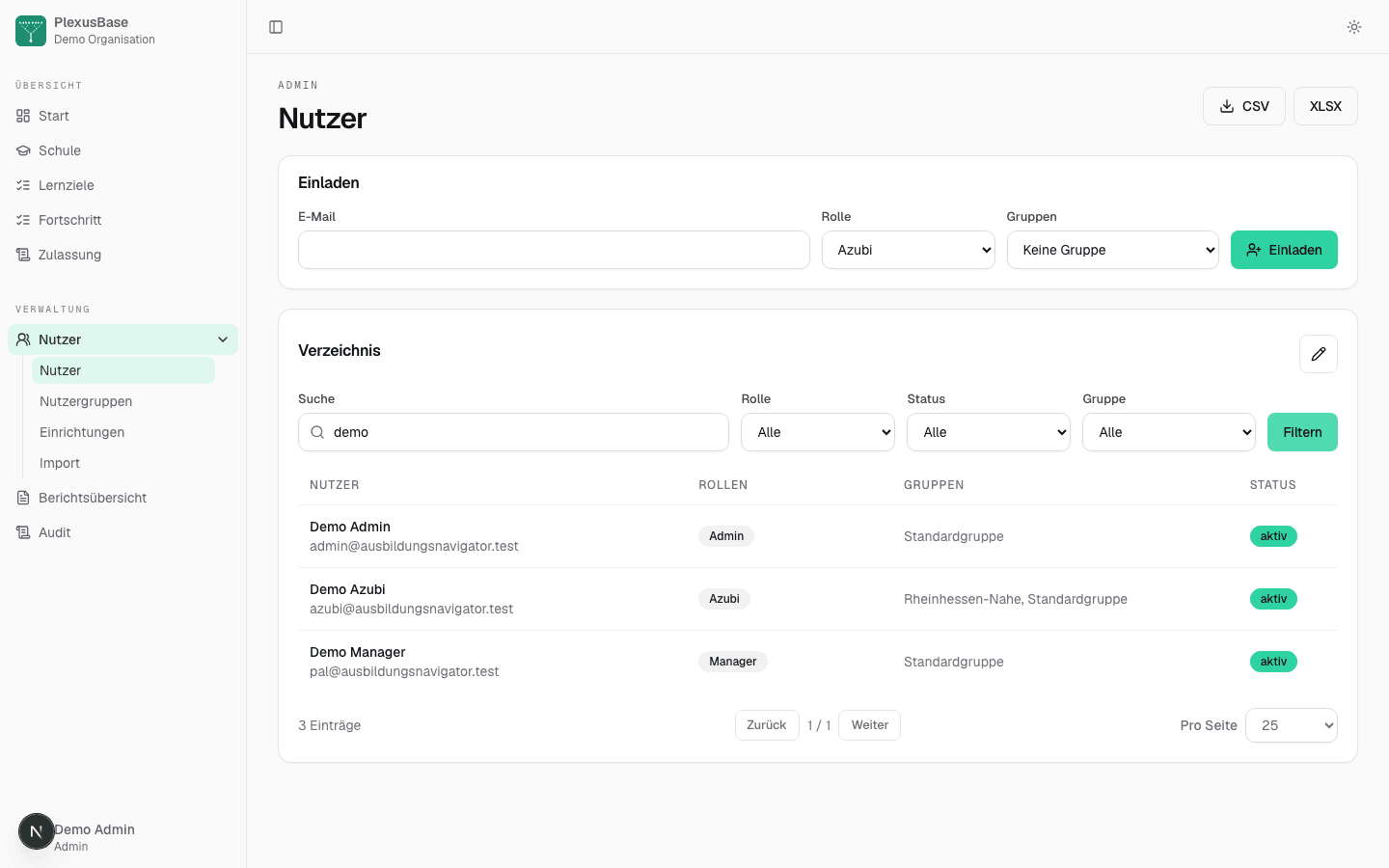
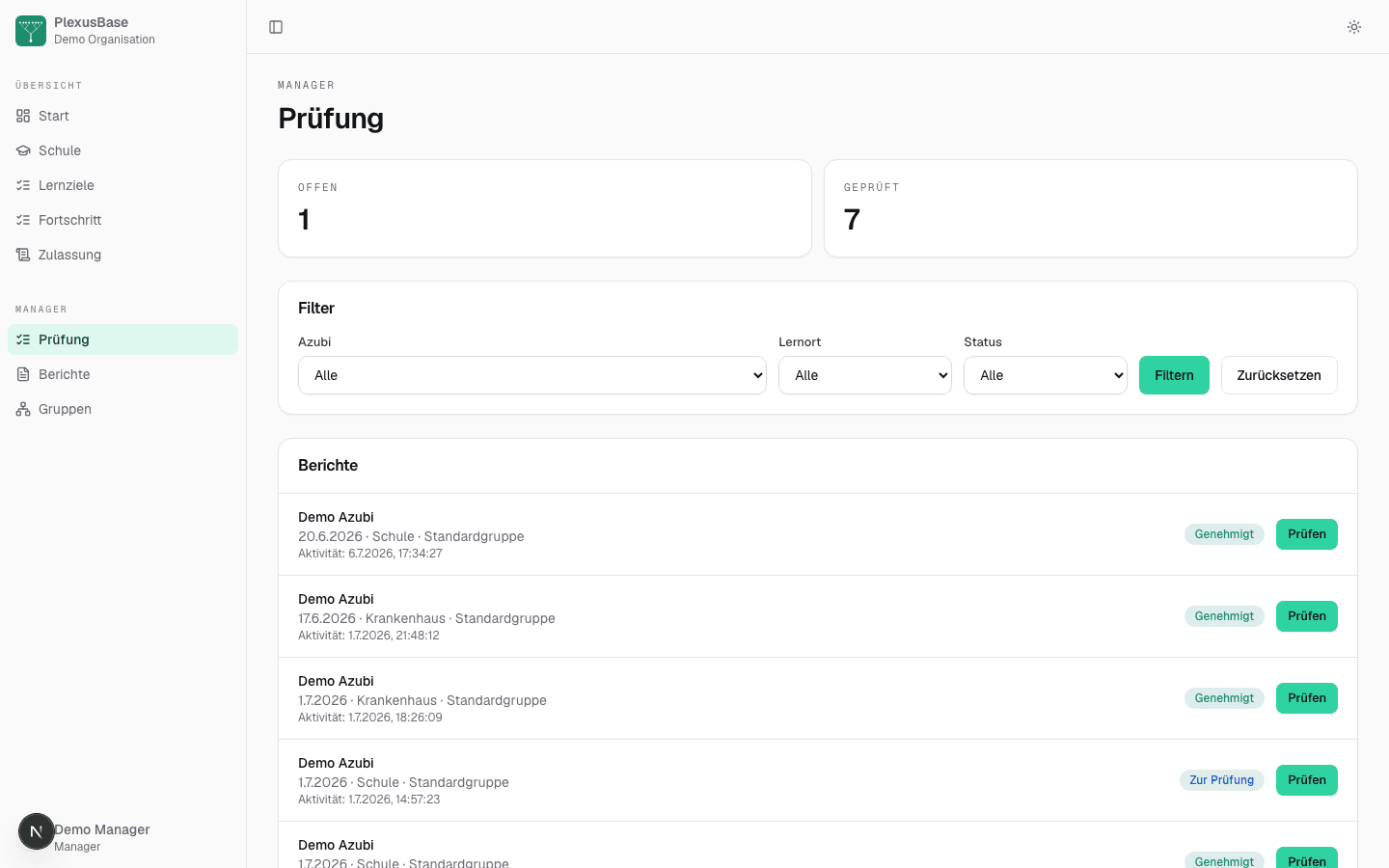
Users start with an invitation, sign in directly and manage their profile in the protected area.
Sign in, accept an invitation or prepare your organization for use.